
Could Your Business Keep Working During a Cloud Outage?
 Published on August 6, 2026
Updated on August 6, 2026
 5 mins to read
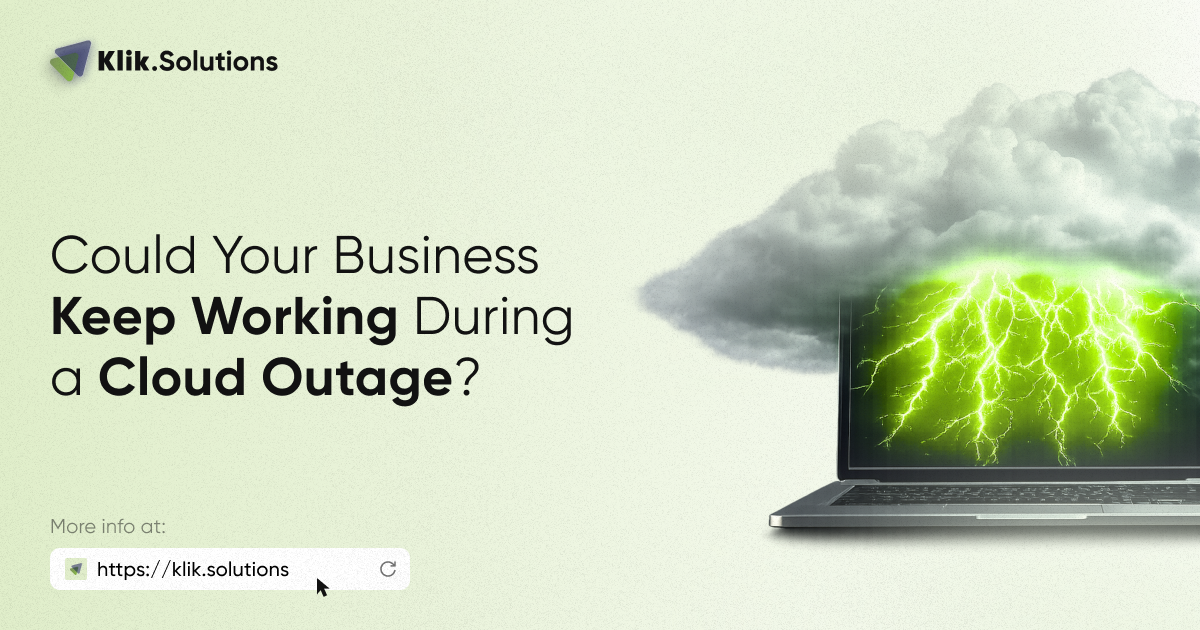
On July 23, 2026, Microsoft experienced a cloud disruption lasting almost five hours in its West US region.
Major platforms maintained by tech giants can and do go offline. When they do, the impact hits small and mid-sized businesses that rely on them every day.
The takeaway isn’t that you should abandon cloud platforms. Cloud services remain the most efficient and scalable way to run a business. The real lesson is that every company needs a simple plan for when an important cloud service becomes unavailable.
Why the Cloud Still Fails
Many business owners assume moving to the cloud eliminates operational risk. However, cloud infrastructure relies on complex software, physical data centers, and internet connections. A single update error or regional hardware failure can take systems offline.
When a regional hub goes dark for a few hours, businesses face:
- Lost Revenue: Sales teams cannot process orders or close deals.
- Idle Labor: Employees burn paid hours waiting for systems to return.
- Reputational Damage: Clients encounter dead phone lines and bounced emails.
You cannot prevent a cloud vendor outage, but you can control how your business responds.
5 Practical Steps to Keep Your Business Running During an Outage
Creating a cloud backup strategy doesn’t require a 100-page enterprise technical manual or a million-dollar budget. For a small business, resilience comes down to asking basic operational questions and establishing clear, simple protocols. Here is how you can build a practical continuity plan without overcomplicating your operations.
1. Audit Your “Single Points of Failure”
Start by identifying which tools your business cannot function without for a single afternoon.
Ask yourself: If this specific service disappeared for the next 6 hours, what would stop completely?
- Can your team still communicate if your primary email system fails?
- Do staff have offline access to crucial customer phone lists or active project files?
- Can your store or sales team take orders manually if your cloud Point-of-Sale (POS) goes dark?
Once you map out where your operations are most vulnerable, you can target simple workarounds for those specific tools.
2. Establish Secondary Communication Channels
When a cloud outage hits your primary suite, internal communication usually breaks first. If your team relies strictly on one vendor for email, calendar, and chat, an outage leaves everyone isolated and unable to coordinate a response.
Set up an out-of-band communication plan before you need it:
- Maintain an updated, offline staff phone tree or text group.
- Establish a secondary messaging tool hosted on a completely different platform architecture for leadership or emergency dispatch.
- Ensure managers know how to quickly notify employees to switch to backup communication methods during an incident.
3. Maintain Hybrid Backups for Critical Files
Keeping files exclusively in the cloud works great right up until the pipe connecting you to those files closes.
For your most essential operational documents—standard operating procedures, emergency contact sheets, current project rosters, and active vendor list—keep encrypted, read-only local backups or local synchronization active on key management devices. If the central cloud repository goes offline, your core team can keep working on current tasks without losing a beat.
4. Cross-Train Team Members on Manual Processes
Automated cloud workflows are fantastic for efficiency, but they can make teams helpless when automation fails.
Periodically review basic manual workarounds with your staff:
- How do you write down a manual work order or service ticket?
- Where are physical or offline price sheets kept?
- What is the protocol for logging hours or incoming client calls off-system?
Running through these steps once or twice a year ensures your employees don’t panic or stall out when systems go offline.
5. Create a Client Communication Template
When your systems go down, your clients are often left in the dark too. If an outage stops you from delivering a service or answering inquiries, proactive communication preserves client trust.
Draft basic, ready-to-use notification templates ahead of time. If an outage hits, your team can quickly post updates to social media, send a text alert, or update a status banner without scrambling to write copy during a high-stress moment.

Cloud Resilience vs. Disaster Recovery: What’s the Difference?
When discussing cloud safety, business owners often hear two terms thrown around: Disaster Recovery (DR) and Business Continuity (BC). While they sound similar, they solve two different problems.
| Feature | Disaster Recovery (DR) | Business Continuity (BC) |
| Primary Goal | Restoring lost data and getting systems back online after a crash. | Keeping daily operations running while systems are offline. |
| Focus Area | Data backups, server restores, technical infrastructure. | People, workflows, communication, and manual processes. |
| Typical Trigger | Ransomware attacks, server hardware destruction, data corruption. | Cloud service outages, internet line cuts, power disruptions. |
You need both. Disaster Recovery makes sure your valuable data isn’t permanently lost when things go wrong. Business Continuity makes sure your employees can still serve clients while the tech team gets the systems back up.
Don’t Wait for the Next Outage to Test Your Plan
The five-hour Microsoft outage in July was a gentle reminder: no system is 100% uptime guaranteed. The companies that navigated that day smoothly weren’t the ones trying to fight the outage; they were the ones who flipped open a simple contingency checklist and kept moving forward while others waited for the status page to turn green.
Building tech resilience isn’t about ditching modern cloud tools. It’s about making sure your business is smart enough to survive when technology takes an unannounced break.
Klik Solutions experts help small and mid-sized businesses design resilient IT setups, secure data backup solutions, and practical continuity strategies. We remove the technical headaches so you can focus on running your business with confidence, no matter what happens in the cloud.
Ready to audit your IT resilience? Contact Klik Solutions today to schedule a comprehensive tech audit, and follow our blog for ongoing insights into cybersecurity, cloud management, and business continuity.
Frequently Asked Questions (FAQ)
Should my business switch away from major cloud providers like Microsoft or Google?
No. Major cloud platforms still offer far better security, reliability, and cost-efficiency than trying to host everything on your own local servers. The solution isn’t leaving the cloud—it is having a simple backup plan for temporary disruptions.
How often do major cloud outages actually happen?
Unplanned major cloud outages are relatively rare, but localized or service-specific disruptions happen multiple times a year across various platforms. Even short outages can cause significant operational friction if you aren’t prepared.
Aren’t cloud backups enough to protect my company?
Cloud backups protect your data from being permanently lost or corrupted, which is essential. However, if the service you use to access those backups goes down, you still can’t work. True resilience requires both data backups and operational workarounds.
How can Klik Solutions help my business prepare for unexpected downtime?
We conduct thorough technology audits to spot single points of failure in your current setup. From implementing redundant internet lines and hybrid backup systems to creating straightforward continuity strategies, we make sure your team stays secure, operational, and productive.