
Law Firm Cybersecurity: What’s Stored on Your Office Copier?
 Published on October 29, 2026
Updated on October 29, 2026
 9 mins to read
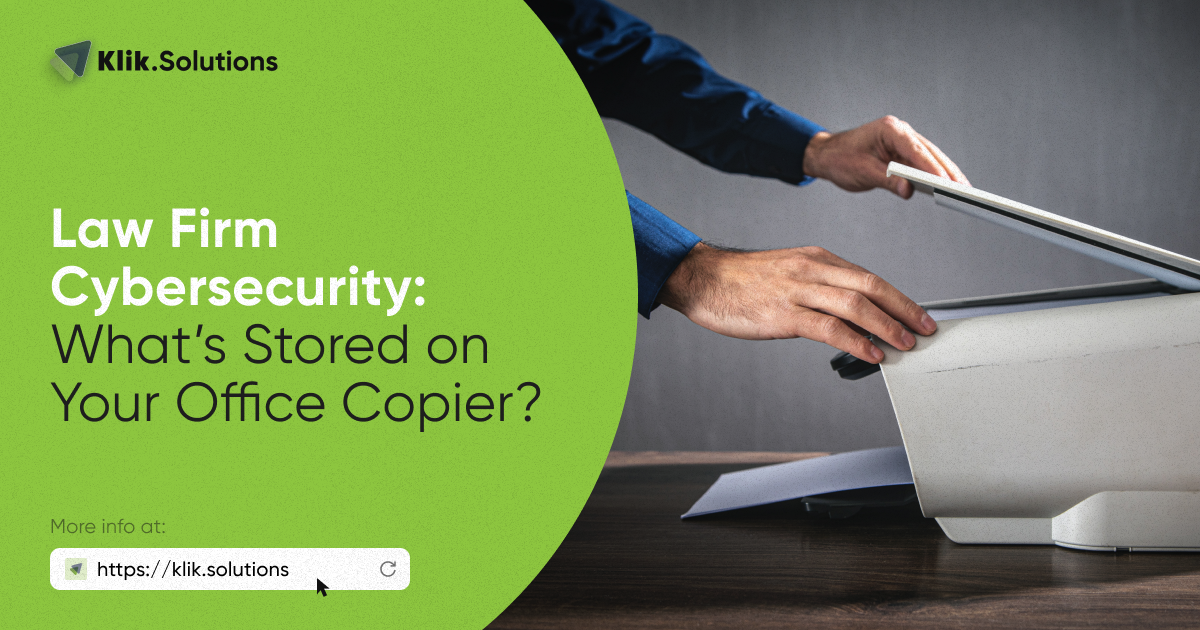
The copier lease is up. A replacement has arrived, and the equipment vendor is scheduled to collect the old machine. Someone confirms the pickup, the paperwork is signed, and the copier leaves the office.
Before it goes, there’s an important question worth asking: Could that machine still contain copies of client identification documents, contracts, financial records, or confidential case files?
Most law firms take reasonable precautions to protect the information stored on their computers, servers, and cloud platforms. Yet another device manages sensitive documents every day, often without receiving the same level of security attention.
The office copier.
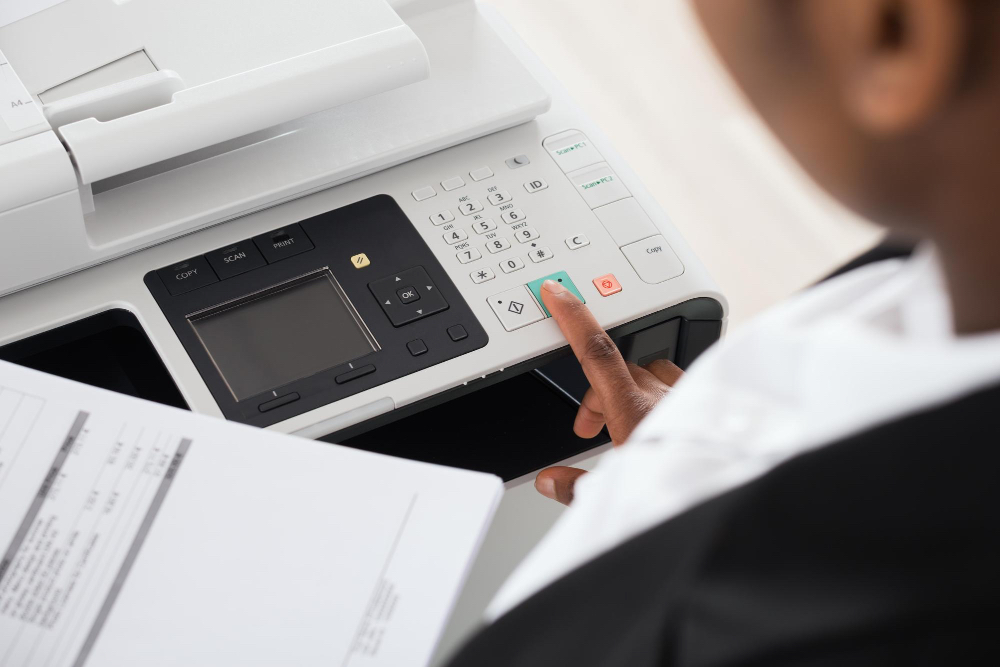
Modern multifunction copiers are network-connected computers with printing, scanning, copying, and sometimes faxing capabilities. Depending on the model and configuration, they may store information from the documents they process.
For law firms, this creates a potential security exposure that deserves attention, particularly when equipment is repaired, replaced, returned to a leasing company, or disposed of.
Effective law firm cybersecurity extends to every device that touches confidential client information, including the one sitting in the copy room.
What Information Could Be Stored on Your Law Firm’s Copier?
Modern multifunction copiers may retain documents, images, user credentials, and other information in internal storage. Exactly what remains depends on the device’s capabilities, configuration, and security settings.
Consider how often a copier processes sensitive information during a typical workday.
A paralegal scans a client’s driver’s license for an intake file. An attorney prints a confidential settlement agreement. An administrative assistant copies financial statements for a discovery request. Someone scans medical records and sends them directly to a colleague’s email.
Each task involves information that the firm has a responsibility to protect.
Depending on the copier, information that is ok to retain includes:
- Scanned documents: Client identification, contracts, medical records, financial statements, and case-related materials.
- Print and copy jobs: Temporary or saved images of documents processed by the machine.
- Address books and destinations: Email addresses, network folders, and other locations used for sending scanned files.
- User and network information: Account details, authentication settings, and stored credentials, depending on the configuration.
- Activity records: Job histories, user information, and other operational logs.
Not every copier stores complete copies of every document indefinitely. Some devices automatically overwrite temporary data, while others use encrypted storage or retain information until it is specifically deleted.
That’s an important distinction. The objective isn’t to assume every copier contains confidential files. It’s to understand what a particular machine can store and whether appropriate safeguards are in place.
The Federal Trade Commission’s guidance on digital copier data security explains why organizations should consider the information stored on these devices throughout their use, including when equipment is returned or discarded.
For a law firm, knowing what the copier retains is the first step toward protecting it.

Why Does Copier Security Matter for Law Firms?
Law firms have professional and ethical obligations to safeguard confidential client information. Those responsibilities apply regardless of whether information is stored in a document management system, on an employee’s laptop, or within office equipment.
The American Bar Association’s Model Rule 1.6 addresses the confidentiality of information relating to client representation and requires lawyers to make reasonable efforts to prevent unauthorized access or disclosure.
Similarly, ABA Model Rule 1.1 addresses competence, including the need to understand relevant technology-related risks and benefits under its commentary.
These obligations don’t disappear when information moves through a copier. In fact, the Florida Bar’s Ethics Opinion 10-2 specifically addresses the responsibility to safeguard client information stored on devices such as copiers, printers, scanners, and fax machines. It discusses the importance of understanding the technology, maintaining equipment inventories, supervising vendors, and ensuring appropriate data sanitization before disposal.
Although specific professional obligations vary by jurisdiction, the underlying concern is relevant to law firms everywhere.
Consider what could happen if a leased copier containing stored client information were returned without proper safeguards. The equipment might be refurbished, resold, serviced, or transferred to another customer.
If confidential information remains accessible, the firm could face questions about whether reasonable steps were taken to protect it.
The potential consequences extend beyond the exposure of individual documents. They may include client notification obligations, regulatory concerns, reputational damage, and the costs associated with investigating an incident, depending on the circumstances.
This is why copier security belongs in the broader conversation about protecting client information.
Who Is Responsible for Securing the Office Copier?
Here’s where the issue becomes particularly relevant for law firm administrators and operations managers.
The copier may be leased through an office equipment company. Its maintenance may be handled by a service technician. Network connectivity may be managed by an outside IT provider. Meanwhile, the office administrator oversees the lease, equipment replacement, and vendor relationships.
Each party has a role, but who makes sure the device is secure before it leaves the office? Without clear responsibilities, important security tasks can be overlooked.
The Law Firm Administrator
Administrators often coordinate copier purchases, leases, maintenance agreements, and equipment replacements. They may not be responsible for configuring security settings or clearing storage devices, but they are well-positioned to ensure those tasks are addressed.
That includes notifying IT before equipment is replaced, confirming the vendor’s data handling procedures, and making sure the firm receives appropriate documentation.
The IT Provider
The firm’s IT provider should understand how the copier connects to the network, what access it requires, and whether its security configuration aligns with the firm’s policies.
Depending on the service agreement and access available, IT can help evaluate storage capabilities, authentication settings, firmware, encryption, and potential network vulnerabilities.
IT can also coordinate with the equipment vendor to establish an appropriate process for removing sensitive information before the device is returned.
The Equipment Vendor
The copier vendor should understand the machine’s manufacturer-specific features, storage components, and available data sanitization procedures.
The vendor may be responsible for performing the actual data clearing process, particularly when the device is leased or requires specialized tools.
However, the firm should not assume that data removal is automatically included in a standard lease return or equipment pickup.
The responsibilities should be established in advance. The greatest risk may not be that nobody understands copier security. It may be that everyone assumes someone else is taking care of it.

What Should IT and the Copier Vendor Check Before Returning Equipment?
When a copier is scheduled for replacement, the security review should begin before the pickup date. Waiting until the vendor’s truck arrives leaves little opportunity to investigate storage capabilities, review contractual responsibilities, or complete necessary security procedures.
Several areas deserve attention.
1. Identify What the Copier Stores
Start by identifying the copier’s manufacturer, model, storage components, and available security features.
Some devices use hard drives, solid-state storage, or other forms of memory. Others may have optional storage modules installed.
The vendor and IT provider should determine what information the device may retain, including saved documents, print jobs, address books, credentials, and configuration details.
This assessment helps establish which information needs to be protected or removed.
2. Review Security Settings and Access
Before a device is retired, IT should understand how it has been secured during everyday operation.
Relevant questions include whether administrative passwords have been changed from their defaults, whether access is restricted to authorized users, and whether storage encryption or automatic data overwriting is enabled.
Network connections, scan-to-email configurations, and access to shared folders also deserve attention.
These settings matter throughout the copier’s useful life. A device with weak administrative controls or outdated firmware may create security concerns long before its lease expires.
For equipment being removed, IT should also identify network credentials, stored destinations, and integrations that need to be deleted, disabled, or updated.
3. Confirm the Appropriate Data Sanitization Process
Deleting visible files or restoring factory settings does not necessarily remove all information stored on a copier.
The correct procedure depends on the manufacturer’s specifications, the type of storage involved, and the device’s security capabilities.
Some copiers provide built-in data sanitization functions. Others may require specialized procedures, cryptographic erasure, or physical removal and destruction of storage media.
The NIST Guidelines for Media Sanitization provide a framework for selecting and verifying appropriate sanitization methods based on the information involved and the storage technology.
For leased equipment, the firm should also determine whether the contract permits removal or destruction of storage components and who is authorized to perform those actions.
A documented, manufacturer-supported process is preferable to assumptions about what a reset button accomplishes.
4. Verify That Data Has Been Cleared
Completing a sanitization procedure and verifying its outcome are related but separate steps.
The firm should know who performed the work, which storage components were addressed, and how successful completion was confirmed.
Depending on the device and process, documentation might include a service report, sanitization record, or certificate identifying the equipment and method used.
A certificate alone should not be treated as proof that every possible storage location was addressed. IT and the vendor should agree on the scope of the work and the appropriate verification method.
This provides the firm with a more reliable record of how the equipment was handled.
5. Coordinate the Final Handover
Once the required security procedures are complete, the administrator, IT provider, and equipment vendor should confirm that the device is ready for release.
The firm should retain relevant records, including the equipment identification, sanitization documentation, and confirmation of the transfer.
Any remaining network connections, service accounts, or device-specific credentials should be addressed as part of the transition.
These steps help ensure the copier leaves the office through a controlled process rather than a routine equipment pickup with unresolved security questions.
Five Questions to Ask Before Your Copier Leaves the Office
Law firm administrators don’t need to become copier security specialists. They do need to know which questions to ask and who should be responsible for answering them.
Before scheduling a lease return, trade-in, or disposal, consider the following:
- Does this copier contain internal storage, and what information could remain? Ask the vendor to identify the storage components and explain the device’s data retention capabilities.
- What security features have been enabled? Confirm whether encryption, access controls, automatic overwriting, and other relevant protections are configured appropriately.
- Who is responsible for removing stored information? Establish whether the task belongs to the equipment vendor, the IT provider, or another authorized party.
- How will data removal be verified and documented? Request a clear explanation of the sanitization method and the evidence the firm will receive.
- Has IT approved the device for release? Make sure someone familiar with the firm’s security requirements has reviewed the process before the copier leaves the premises.
Law firms can incorporate these questions into equipment procurement and lease renewal procedures.
Involving IT before signing a new copier agreement may help the firm clarify data ownership, storage security, vendor responsibilities, and end-of-lease requirements while there is still time to negotiate appropriate terms.
A Better Way to Handle Copier Replacements
A copier replacement may seem like a routine office equipment decision. But when a machine has processed years of confidential client information, its departure deserves the same attention as other technology transitions.
The broader lesson extends beyond copiers.
Law firms depend on numerous connected devices and outside vendors to keep daily operations running. Each relationship introduces questions about access, information handling, security responsibilities, and what happens when you no longer need the equipment or services.
Good security practices require visibility into those relationships and clear accountability for protecting the information involved.
For law firm administrators, this means involving the right people early, documenting responsibilities, and making security part of routine equipment management.
For managing partners, it means recognizing that client confidentiality depends on more than protecting the firm’s computers and cloud systems. For IT providers, it means understanding how everyday office technology fits into the firm’s overall security environment.
Before your next copier replacement, include IT in the handover. Klik Solutions helps law firms identify overlooked technology risks, coordinate security responsibilities, and establish practical safeguards that protect confidential client information across their operations.
There’s a better way with Klik.
Frequently Asked Questions
Do office copiers store copies of scanned or printed documents?
Yes, some multifunction copiers retain scanned documents, print jobs, and other information on internal storage devices. What remains depends on the copier’s model, configuration, and security settings. Law firms should verify these capabilities before returning or replacing equipment.
Can confidential client information be recovered from an old copier?
Potentially. If stored information hasn’t been properly sanitized, it may remain accessible once you return, sell, or discard a copier. This makes secure data removal an important part of law firm cybersecurity.
Does a factory reset erase all data from a copier?
Not necessarily. A factory reset may restore settings without securely removing information from internal storage. The appropriate sanitization method depends on the device and manufacturer’s specifications. IT and the equipment vendor should verify the process.
Who is responsible for protecting data on a leased office copier?
The law firm remains responsible for taking reasonable steps to protect confidential client information. Its IT provider and equipment vendor may manage different security tasks, but responsibilities should be clearly established before returning equipment.
What should law firms ask copier vendors before signing a lease?
Ask about internal storage, encryption, access controls, data sanitization procedures, and end-of-lease responsibilities. The agreement should clarify who removes stored information, how the process is verified, and what documentation the firm receives.
Should law firms involve their IT provider when replacing office copiers?
Yes. IT can help evaluate stored data, security configurations, network connections, and sanitization requirements. Involving IT before the equipment handover helps identify potential security gaps while there’s still time to address them.