Do your part #BeCyberSmart
 Published on October 18, 2021
Updated on March 12, 2026
 2 mins to read
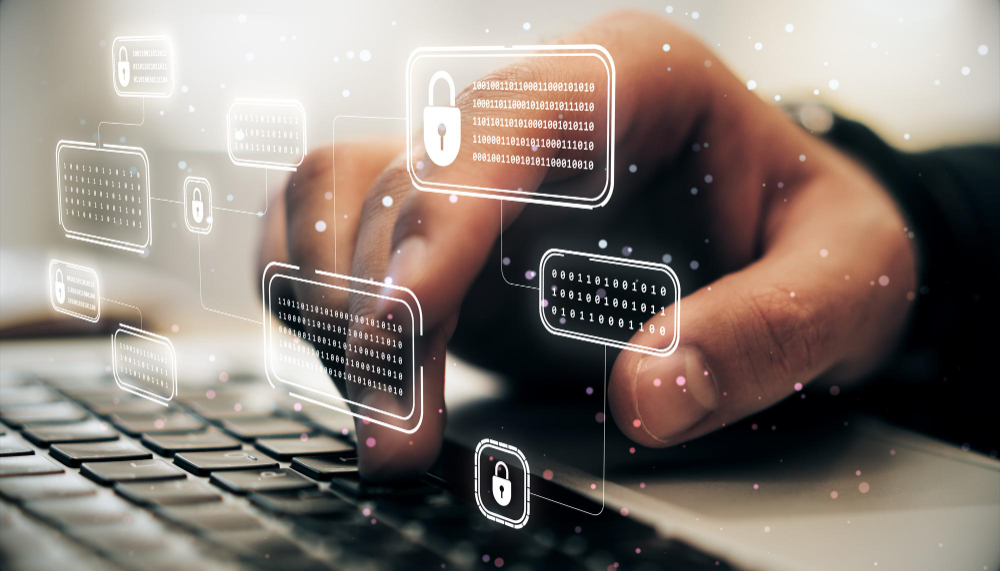
With more businesses moving online, cyberattacks are becoming more sophisticated and damaging. Nowadays, it is not enough to be “cyber aware.” It is imperative to be #CyberSmart. Here are several tips that will help you be protected.
#1. Any device connected to the Internet is exposed to cyber-attacks.
The best way to secure them is to keep your device’s operating system up to date, so don’t ignore updates and install them immediately. Remember that smartphones, computers, and laptops are vulnerable, but any device with a Wi-Fi module, such as wireless security cameras, Smart TVs, printers, musical systems, smart locks, and many more.
#2. Enable multi-factor authentication when possible.
Multi-factor authentication (or MFA) helps secure sensitive information by requiring users to prove their identity in two or more ways before granting access to accounts, systems, or applications. It can be face recognition, fingerprint, push sent to your mobile device, or link sent to your email. Use the one you are the most comfortable with.
#3. Use Strong Passwords
Don’t underestimate the value of a strong password. Although often overlooked, a good password is the first step in protecting your system. A strong password would be at least 12 to 15 characters in length and include capital and lowercase letters and numbers. You can keep all these passwords securely in a password-protected keeper service. You will only need to remember the password to enter your vault.
#4. Back up your files regularly
In the best-case scenario, you need to have three copies of all your data: the original, a backup for yourself, and an offsite copy. Many offsite backup options will monitor your data for changes and automatically update as changes occur. External hard drives, a separate computer, or a flash drive are all ways you can backup your data.
#5. Download apps only from trusted sources and double-check permissions.
Downloading apps only from the App Store or Google Play helps to reduce the risk of ransomware, spyware, or trojan viruses infecting your device. On top of this, be mindful of app permissions. If an app requires access to data that isn’t relevant to its function is should become a warning sign for you. For instance, a pocket calculator doesn’t need access to your contact list or location.