
Backup vs. Disaster Recovery: Why Your Business Needs Both
 Published on July 16, 2026
Updated on July 16, 2026
 7 mins to read
Imagine you’re preparing for a cross-country road trip. You check the tires, pack a spare, bring a jack, and throw a toolkit in the trunk. If you get a flat, you’re ready.
Then, halfway through the trip, your engine fails.
Your spare tire is still valuable. It just isn’t the tool that solves the problem you’re facing.
Many leaders approach business resilience the same way. They invest in backups because they know protecting their data is important. Yet, when a ransomware attack, hardware failure, cyber incident, or natural disaster disrupts operations, they discover that recovering files and restoring a business are two very different challenges.
A backup helps you recover information. A disaster recovery plan helps you recover your business. The difference matters far more than many organizations realize.
The Misunderstanding That Leaves Businesses Vulnerable
Ask a business owner whether they have backups, and the answer is often an enthusiastic “Yes.”
Ask how long it would take to get everyone working again after a server failure, ransomware attack, or major outage, and the answer becomes much less certain.
That’s because backup and disaster recovery are often treated as interchangeable terms. They aren’t.
Simply put, backups are designed to preserve copies of your information. They help ensure that files, databases, applications, and other important data can be restored if something is lost, deleted, or corrupted. Disaster recovery addresses a much broader question:
How does the business continue operating when critical technology becomes unavailable?
That includes restoring systems, applications, networks, user access, communications, security controls, and the order in which everything comes back online.
In other words, backups answer, “Can we recover the data?”
Disaster recovery answers, “How quickly can we get back to serving customers?”
Those are very different conversations, and confusing them can create a dangerous false sense of security.
Your Data Isn’t the Only Thing That Needs to Be Recovered
When most people picture a disaster, they imagine lost files. Business interruptions create ripple effects that extend far beyond data. Employees may be unable to log in. Phones may stop working. Customer orders can stall. Accounting systems become inaccessible. Production schedules pause. Clients begin wondering whether their information is safe.
Even if every document still exists somewhere, the business itself may remain at a standstill.
Think about what happens during an ordinary Tuesday morning. Employees arrive expecting to work. Customers expect someone to answer the phone. Orders need to be processed. Appointments are scheduled. Payroll is due at the end of the week. Business doesn’t pause because your technology does.
That’s why resilience isn’t measured by whether your backup software completed overnight. It’s measured by how quickly your organization can resume normal operations.
Business continuity isn’t only about preserving information. It’s about restoring the people, processes, and technology that allow your company to function.

A Backup Doesn’t Guarantee Recovery
This surprises many organizations. A successful backup job doesn’t necessarily mean a successful recovery.
Consider what happens during a real recovery effort. A backup may have completed successfully, yet the backup itself is corrupted. The data may still exist, but restoring it takes far longer than anyone anticipated.
In other cases, the files are intact, but the servers, applications, or configurations required to use them must first be rebuilt.
Sometimes organizations discover too late that encryption keys, credentials, or software dependencies are missing.
None of these situations are unusual. They happen during real-world recovery efforts every year.
That’s why experienced IT teams don’t just verify that backups completed successfully. They regularly test whether those backups can be restored within a timeframe that supports business operations.
A backup that has never been tested is less of a recovery strategy than it is an assumption.
Disaster Recovery Starts with Business Priorities
One of the biggest misconceptions about disaster recovery is that every system should come back online at the same time. Recovery priorities should reflect business priorities.
- If your accounting platform is unavailable for three days, what happens to payroll?
- If your customer relationship management system is offline, can your sales team continue serving prospects?
- If employees regain access to email but not the application that runs your business, are you truly operational?
These aren’t technical questions. They’re business questions.
A thoughtful disaster recovery strategy begins by identifying the systems that generate revenue, support customers, process financial transactions, or keep daily operations moving. Once those priorities are understood, recovery plans can be designed around what matters most rather than treating every application equally.
The result is a recovery process that aligns technology decisions with business needs rather than forcing leaders to make difficult choices during an emergency.
Ransomware Changed the Conversation
Years ago, backups were primarily viewed as protection against accidental deletion or hardware failure. Today’s threat landscape is vastly different.
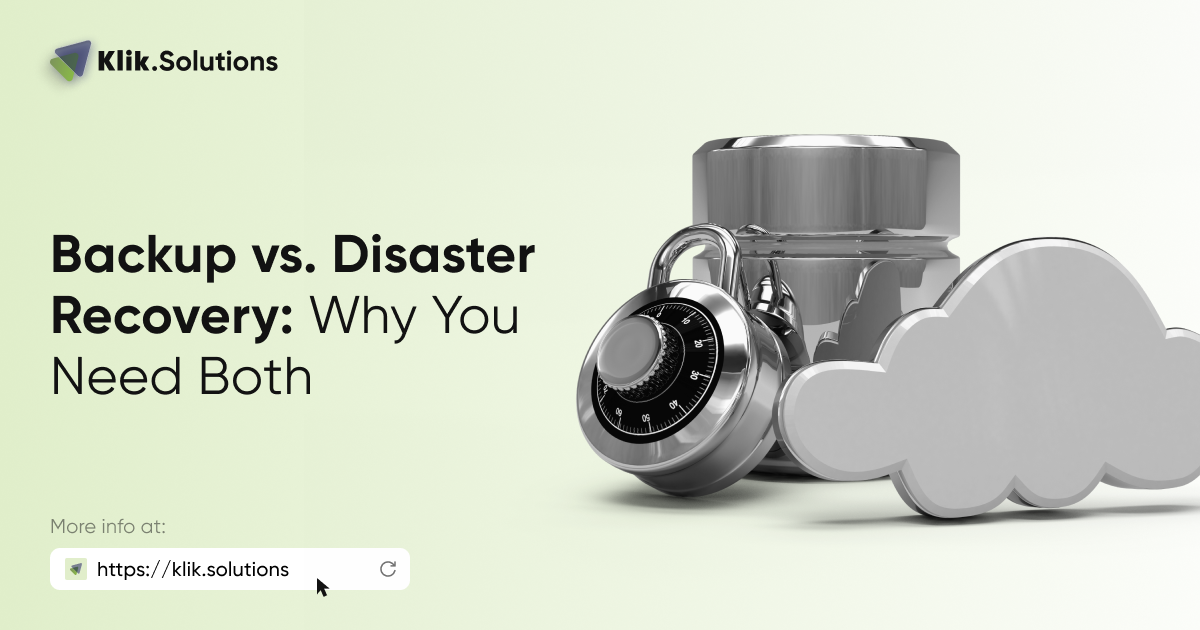
Modern ransomware groups often attempt to locate backup repositories before launching encryption. Some specifically target backup credentials or administrative accounts because they understand that eliminating recovery options increases the likelihood of a ransom payment.
The Cybersecurity and Infrastructure Security Agency (CISA) recommends maintaining offline, encrypted backups of critical data and regularly testing backup restoration procedures because many ransomware variants specifically target accessible backups, making recoverability—not simply successful backup completion—a critical part of ransomware preparedness.
That guidance reflects an important shift in thinking. Businesses shouldn’t stop asking, “Are our backups running?”
They should also ask:
- Can attackers reach those backups?
- How quickly can they be restored?
- Who is responsible for coordinating recovery?
- Has anyone practiced the recovery process?
Those answers often determine whether an incident becomes an inconvenience measured in hours or a business disruption measured in days or weeks.
The Cloud Didn’t Eliminate Recovery Planning
Moving to Microsoft 365, Google Workspace, or other cloud platforms has improved reliability for countless businesses. It has also created a common misconception.
Some organizations assume that because their data lives in the cloud, backup and disaster recovery are someone else’s responsibility. That’s only partially true.
Cloud providers are responsible for maintaining the availability of the platform itself. Customers remain responsible for many aspects of protecting their own data, managing identities, configuring retention policies, and planning for recovery.
Microsoft explains this through its shared responsibility model, which outlines the respective security and data protection responsibilities of both Microsoft and its customers. Cloud computing absolutely improves resilience. It doesn’t eliminate the need for a recovery strategy.
A Real-World Lesson
One of the clearest examples of this occurred in 2021 when a fire destroyed one of OVHcloud’s Strasbourg data centers, affecting thousands of customers across Europe.
The incident demonstrated that the storage location of backups can be just as important as having backups in the first place. It also reinforced how they’re integrated into a broader recovery strategy can determinehow quickly a business recovers. Some organizations discovered their recovery strategy depended on backups that were in the same affected environment. When both production systems and backup resources became unavailable, recovery became far more difficult than expected.
While most small and midsized businesses won’t experience a data center fire, the lesson applies just as strongly. Servers fail. Employees accidentally delete information. Cybercriminals deploy ransomware. Power outages occur. Natural disasters interrupt operations.
Unexpected events are part of running a business. The organizations that recover most effectively aren’t necessarily those with the largest technology budgets. They’re the ones who prepared for the unexpected before it happened.
Recovery Is About More Than Technology
Strong recovery planning isn’t defined by a particular product or backup platform. It’s the result of asking practical questions long before an emergency occurs. Who makes recovery decisions? Which systems absolutely must come back first? How much downtime could the business realistically tolerate? How will employees continue working if primary systems become unavailable?
Organizations that answer those questions ahead of time are far better prepared when disruption occurs. They understand which systems are essential to daily operations, how much information they can realistically afford to lose, and how long different business functions can remain unavailable before customers begin to feel the impact. They know where backup copies are stored, who is responsible for coordinating recovery, and whether recovery procedures have been tested.
Notice that only one of those considerations involves backups directly. Everything else focuses on keeping the business operating. That’s the real objective.

Technology Should Reduce Uncertainty, Not Create It
One of the most valuable outcomes of a well-designed recovery strategy isn’t technical. It’s confidence. Leaders know what to expect. Employees understand their responsibilities. Customers experience fewer disruptions.
Recovery becomes a structured process instead of a frantic search for answers.
When businesses work with Klik Solutions, the conversation rarely starts with recommendations for a particular backup appliance or software platform. It begins with understanding how the organization operates, which systems are most important, what level of interruption is acceptable, and how technology can support those priorities.
Every organization is different. A law firm protecting confidential client files has different recovery priorities than a manufacturer, nonprofit, accounting firm, or healthcare practice. The technology should reflect those differences rather than forcing every business into the same template.
The ultimate objective isn’t just restoring servers or recovering files. It’s restoring the ability to serve customers, support employees, meet obligations, and preserve the trust that keeps the business moving forward.
The Bottom Line
No organization plans for a server failure, ransomware attack, or prolonged outage. Yet every organization depends on technology that can be impacted by equipment failures, cybercrime, severe weather, or simple human mistakes. Preparing for those moments is an important part of running a resilient business.
The more important question is whether your organization could continue operating if those backups suddenly became part of a much larger recovery effort.
Backups and disaster recovery aren’t competing strategies. They’re partners. One protects your information. The other protects your ability to keep doing business. Understanding the difference today may determinehow quickly your organization recovers tomorrow.
Don’t Wait for the Test
No business expects to experience a major outage. Yet every business depends on technology that can be disrupted by cyberattacks, hardware failures, human error, or circumstances no one can predict.
The real value of backup and disaster recovery is measured by how confidently your organization can continue serving customers, supporting employees, and meeting commitments when something goes wrong.
If you’re unsure whether your current strategy would accomplish that, it’s worth taking the time to find out—before circumstances force the issue. Klik can help.
Frequently Asked Questions
What’s the difference between backup and disaster recovery?
A backup is a copy of your data that can be restored if information is lost, deleted, or corrupted. Disaster recovery is the broader process of restoring the systems, applications, infrastructure, and business operations needed to get your organization back to work. Backups are one component of a disaster recovery strategy, but they don’t replace one.
If my business has reliable backups, do I still need a disaster recovery plan?
Yes. Backups help recover information, but they don’t define how your business will continue operating during a major disruption. A disaster recovery plan establishes recovery priorities, identifies critical systems, assigns responsibilities, and outlines how to support employees and customers until normal operations resume.
How often should businesses test their backups?
Backups should be tested regularly, not simply monitored for successful completion. Periodic restoration testing confirms that backup data is usable, complete, and can be recovered within a timeframe that supports your business objectives. An untested backup may not provide the protection you expect when it’s needed most.
Does Microsoft 365 or Google Workspace automatically back up my business data?
Microsoft 365 and Google Workspace provide highly available cloud platforms, but protecting customer data remains a shared responsibility. Organizations should understand their retention policies, recovery capabilities, and business requirements to determine whether additional backup and recovery solutions are appropriate for their environment.
How do I know if my disaster recovery strategy is adequate?
Start by asking practical business questions rather than technical ones. Which systems must come back online first? How long can your organization operate without them? Who is responsible for coordinating recovery? Without clear documentation and regular review, your disaster recovery strategy may need additional attention.